v1.1.0: OCR for scanned PDFs
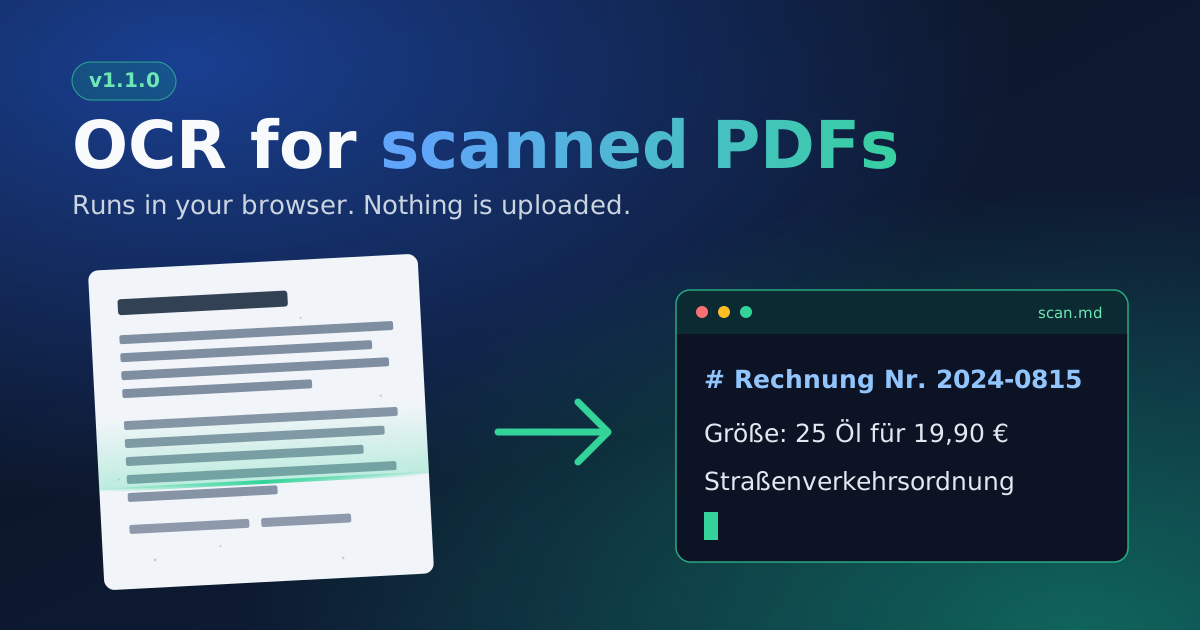
Version 1.1.0 can read scanned PDFs. Pages that are only an image used to come back as a “needs OCR” placeholder. Now you can run OCR on them and get the text as Markdown.
What changed
Convert a PDF as usual. If it has scanned pages, the warning above the result shows a “Run OCR on these pages” button. Click it and the converter:
- Renders each flagged page in your browser.
- Reads the text with PaddleOCR.
- Replaces the page’s placeholder with the recognized text.
Pages that already have a text layer are left alone. If OCR finds no text on a page, the placeholder stays, so a gap never looks like a finished page. The warning also lists which pages were read by OCR, because that text can contain errors.
Languages
The recognition model covers Latin-script languages, including German, English, French, Spanish, Italian, Portuguese and Dutch. Chinese, Japanese, Arabic, Greek and Cyrillic scripts are not supported yet.
We first tried the default PaddleOCR model, but its dictionary has no ö, ß, Ä, Ö or €, which rules it out for German documents. The Latin model has all of them. On our German test page it got every line right except “Öl”, which came out as “Ol”. Expect a few misreads like that, so check anything that matters.
Limits
OCR reads a page line by line from top to bottom. Multi-column layouts can interleave, and tables come out as plain text. It works for PDFs only, and only while the results are on screen. If you reload the page, convert the PDF again.
What you need to do
Nothing changes for PDFs with a text layer. For scans, click the button and wait. Pages are read one after another, and the panel shows which one is in progress. Starting OCR downloads about 26 MB of model and runtime files from this site. Nothing is loaded until you click.
Also in this release
The start page has a new design. After each conversion you now see how many documents, words and estimated tokens you have. Dark mode follows your system setting unless you chose a theme with the toggle. The footer credits the OCR stack.
Dependencies
The models are PaddleOCR PP-OCRv4 for finding text and PP-OCRv5 Latin for reading it, both under the Apache 2.0 license. ONNX Runtime Web runs them, and PDF.js renders the pages.
Privacy
Rendering and recognition happen in your browser. The model files come from this site, and OCR contacts no other server. An automated browser test checks that on every run. Your PDF is not uploaded.